Use filters to temporarily hide some of the data in a table, so you can focus on the data you want to see.
| Why we do this | What we are to do |
|---|---|
| to demonstrate facility with a number filter |
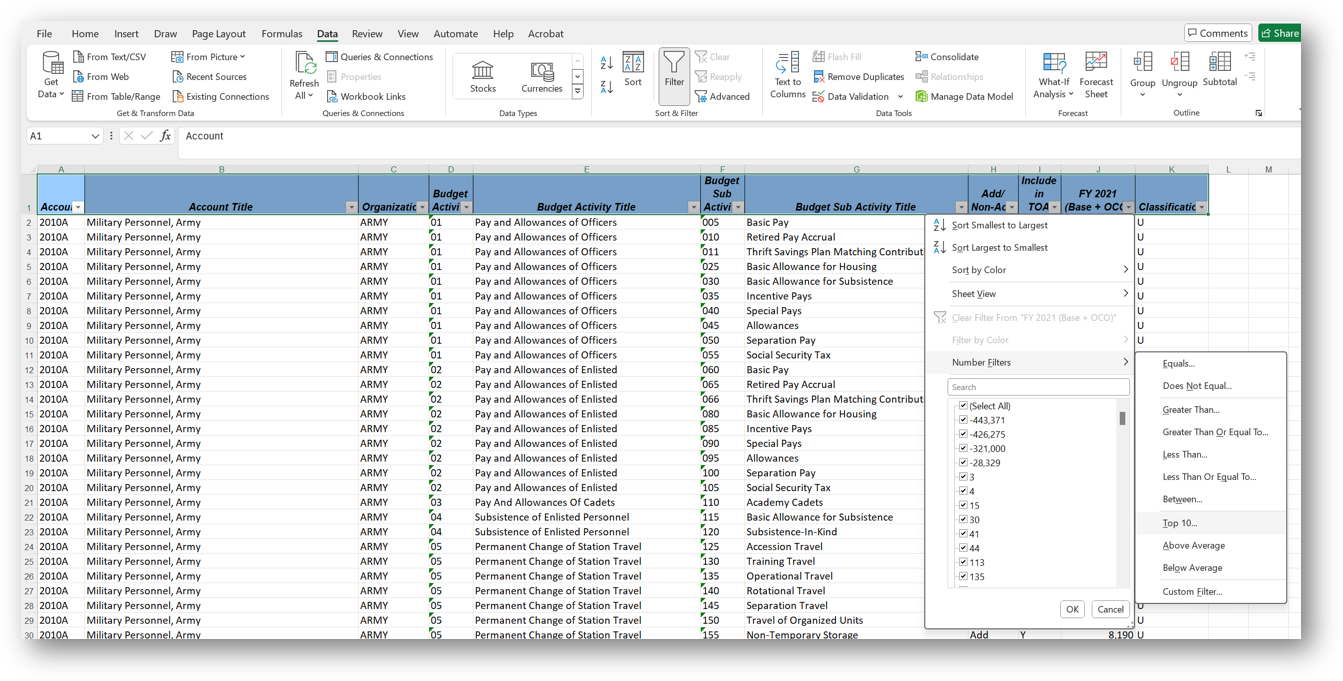
Filter the data on the 10-Filter One Field worksheet
to find the top ten values in the FY 2021 (Base + OCO) column Do not sort the results. Simply show the results of filtering out all but the top ten values. |
| Why we do this | What we are to do |
|---|---|
|
to demonstrate facility with a number filter,
after having used an exclusion filter to show only one subset of data |
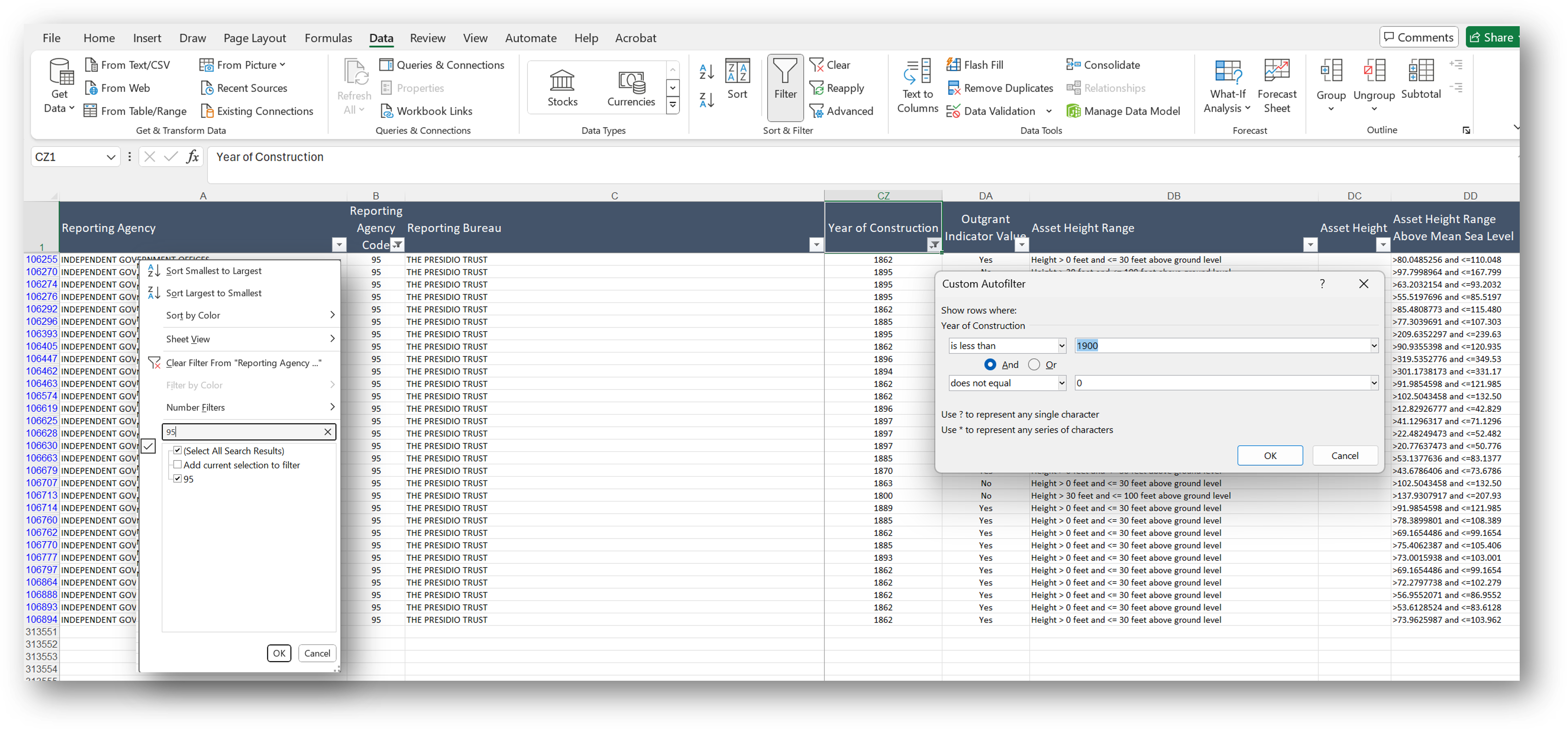
Use a multilevel filter on the 11-Multi Level Filter 01 worksheet
to find out which of the properties managed by Reporting Agency Code 95 had a Year of Construction less than 1900 and did not equal 0 |
The first step above is a text filter, in which one looks for a discrete number (numbers here are not numerals, but rather are numbers used as identifiers).
Having filtered that column, we use a second filter on a second column. This will be a Boolean "and" number filter, in which one uses the less than ... AND not zero.
You might be interested to see how a Boolean "or" number filter, in which one uses the less than ... OR not zero gives you a very different set of results.