Tools for Information Literacy ⑭ Relational databases
Relationships connect entities across the database
Primary and Foreign Keys
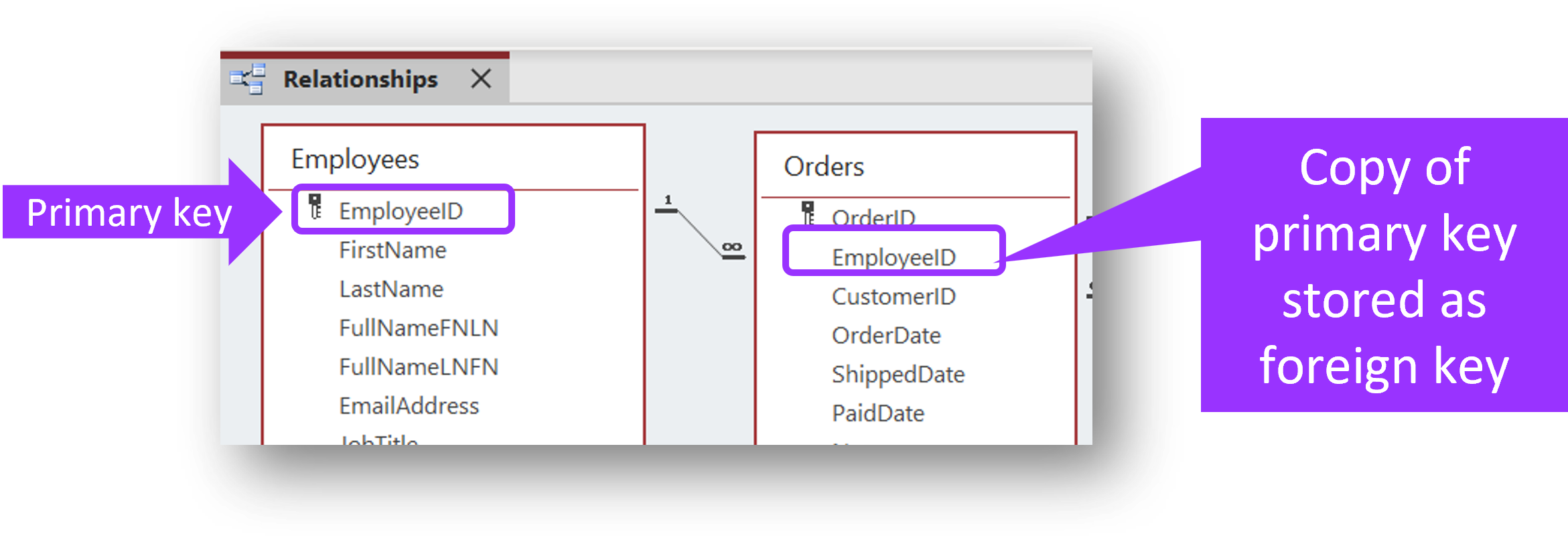
A relationship requires a copy of the primary key attribute of one entity in one entity set
to be inserted
as a foreign key attribute in a second entity in a second entity set.
The link between the two like attributes is the relationship.
- primary and foreign keys should share the same name and must share the same datatype and field size
- after you have established a relationship, then you will only need to enter data in one Entity Class for the related Entity Classs to be updated with the new data. This will become more clear in queries which create dynamic Entity Classs of data.
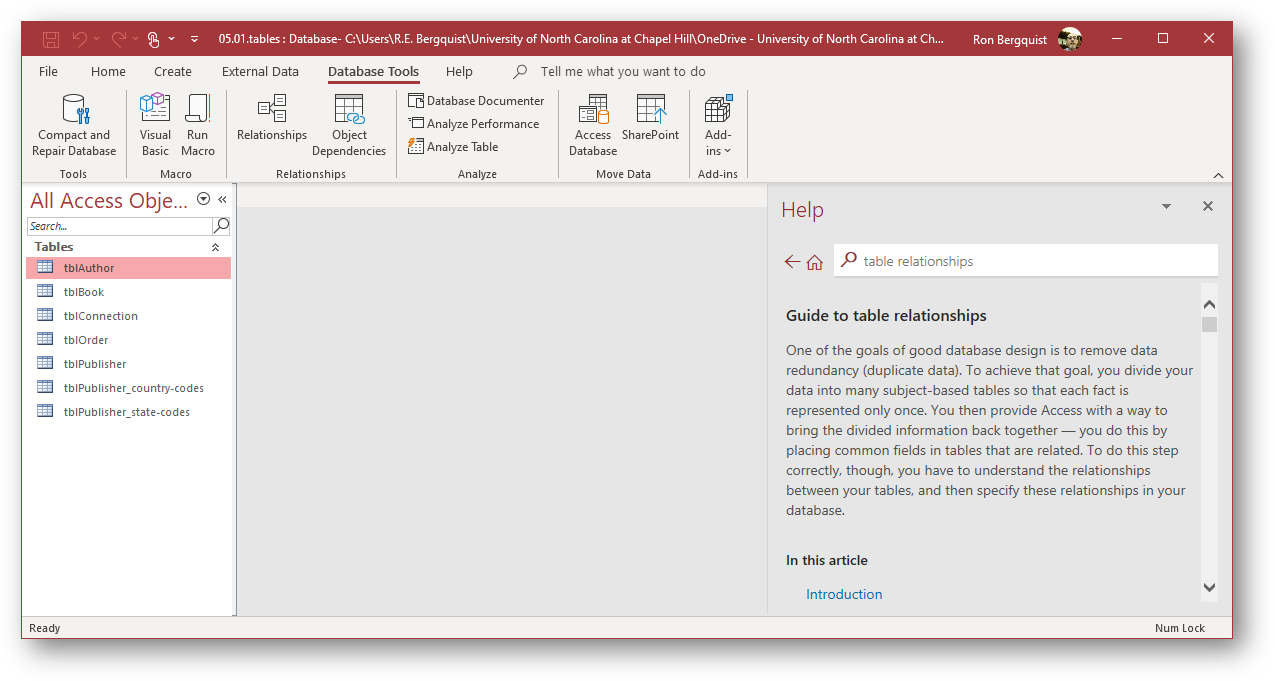
The image is a screenshot from the MS Access database tool (which we will not be using), but it describes the essence of good relationships.
Types of relationships
one-to-one (unusual)
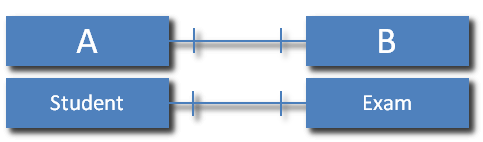
In a one-to-one relationship, each record in Entity Class A can have only one matching record in Entity Class B, and each record in Entity Class B can have only one matching record in Entity Class A.
one-to-many (most common)
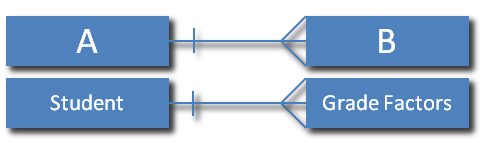
in a one-to-many relationship, a record in Entity Class A can have many matching records in Entity Class B, but a record in Entity Class B has only one matching record in Entity Class A
note that your Entity Class properties provide you advice about how to ensure the relationships are based on the proper field properties.
In the image below, one sees an example of a one to many relationship.
many-to-many (less common than one-to-many, but essential in many cases)

in a many-to-many relationship, a record in Entity Class A can have many matching records in Entity Class B, and a record in Entity Class B can have many matching records in Entity Class A