Tools for Information Literacy ⑫ Data control
Pivot table practice
According to Microsoft
You can use a PivotTable to summarize, analyze, explore, and present summary data. ... enable you to make informed decisions about critical data in your enterprise. You can also connect to external data sources such as SQL Server tables, SQL Server Analysis Services cubes, Azure Marketplace, Office Data Connection (.odc) files, XML files, Access databases, and text files to create PivotTables, or use existing PivotTables to create new tables.
Still using your downloaded workbook ...
Create a Pivot Table from the 13-pivot table data Worksheet
The 13-pivot table data worksheet is a good candidate for a PivotTable.
There is a lot of text and there are a lot of categories in this sheet, and it would be clunky to use sorts and filters to summarize.
But there are some issues with it that we will have to pay attention to.
- It is possible that the text has at least some redundancy and errors.
- There are a lot of blank cells as well.
When you create PivotTables, you do not want the data to be messy, and you would want to first "clean" the data.
- However, cleaning data is a big job in itself, so we will instead use Pivot tables to help us identify some of the problems in this worksheet, if there are any.
Step by step ...
- In the 13-pivot table data worksheet, select the data in columns A through R, and rows 1 through 204.
- On the ribbon, select Insert, and then click the PivotTable Button. A create PivotTable dialog box will open. Verify that the Table/Range shown in the Select a table or range Table/Range box is '13-pivot table data'!$B$1:$R$204. (This are the data rows below the header row)
- Verify that New Worksheet is selected and click okay. A new sheet will be created. Rename the sheet 14-PivotTable Report.
Verify that you now have a blank PivotTable report located in the cells area on the left and that you have a Pivot Table Fields pane on the right.
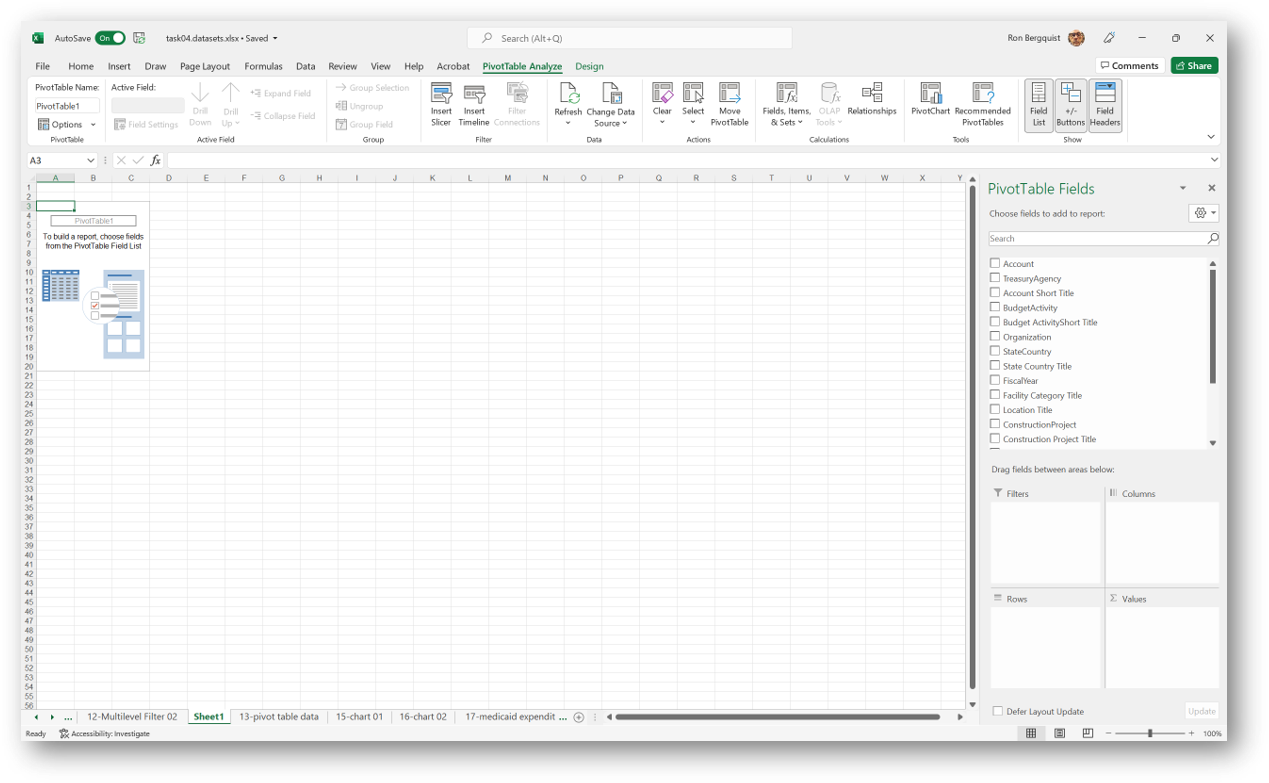
Set up the data in your Pivot Table
- Inside of the Pivot Table Fields Pane, click the TOA Amount box at the top of the box. This will add TOA Amount to the value area and also to your pivot table.
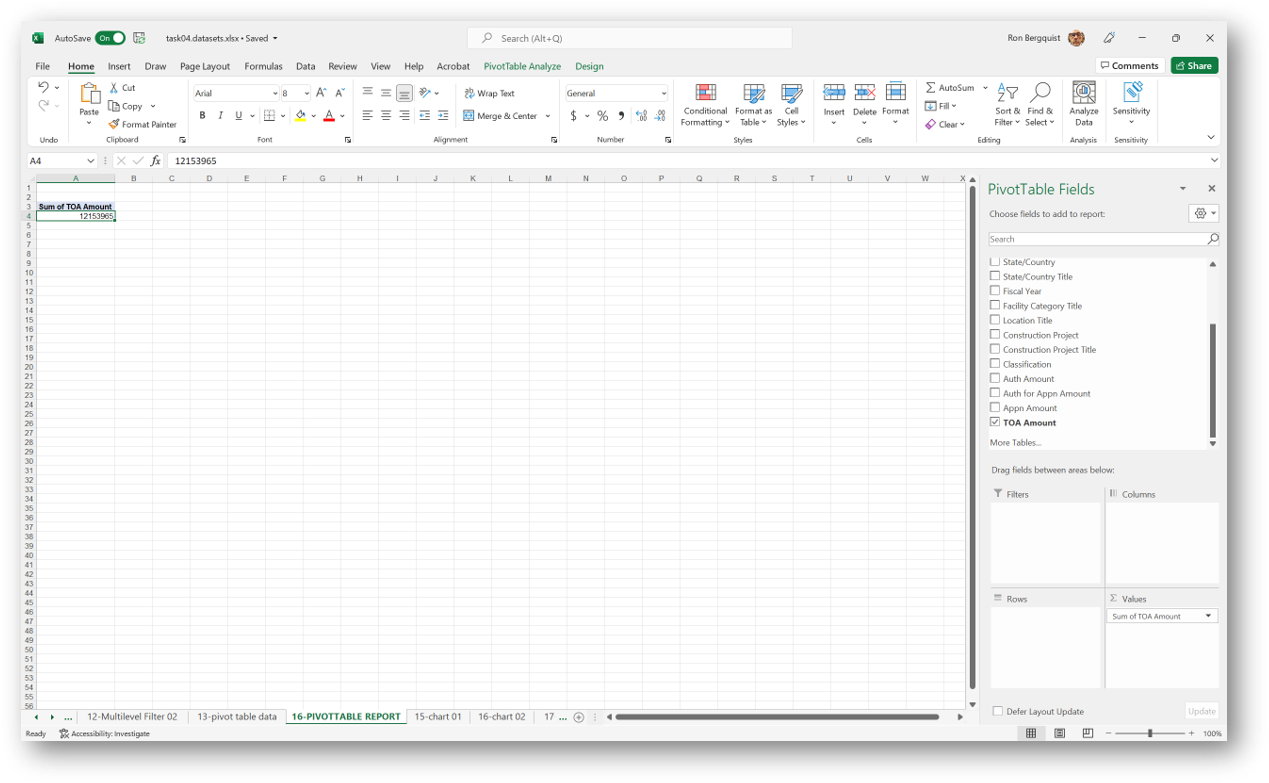
- Since TOA Amount is a column of dollar values, it is useful to SUM it.
- Next, drag the Budget Activity Short Title field into the Rows Area.
- Then drag the Organization into the rows area above the Budget Activity Short Title. If you inadvertently drag it below, you can then drag it above after it is in the area.
- Finally, drag the State/Country Title into the Rows Area into the third position. Here is what you should see now:
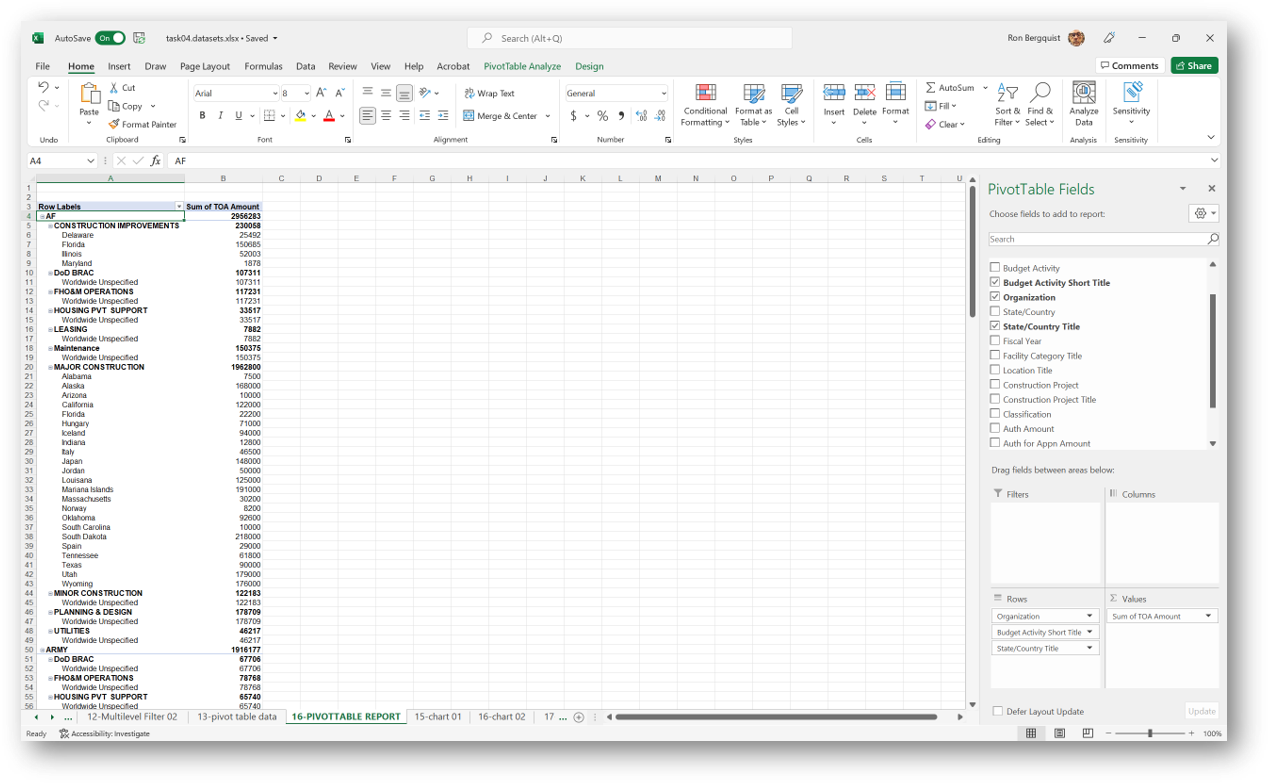
You now have a nice summary of important parts of your data.
Add a filter
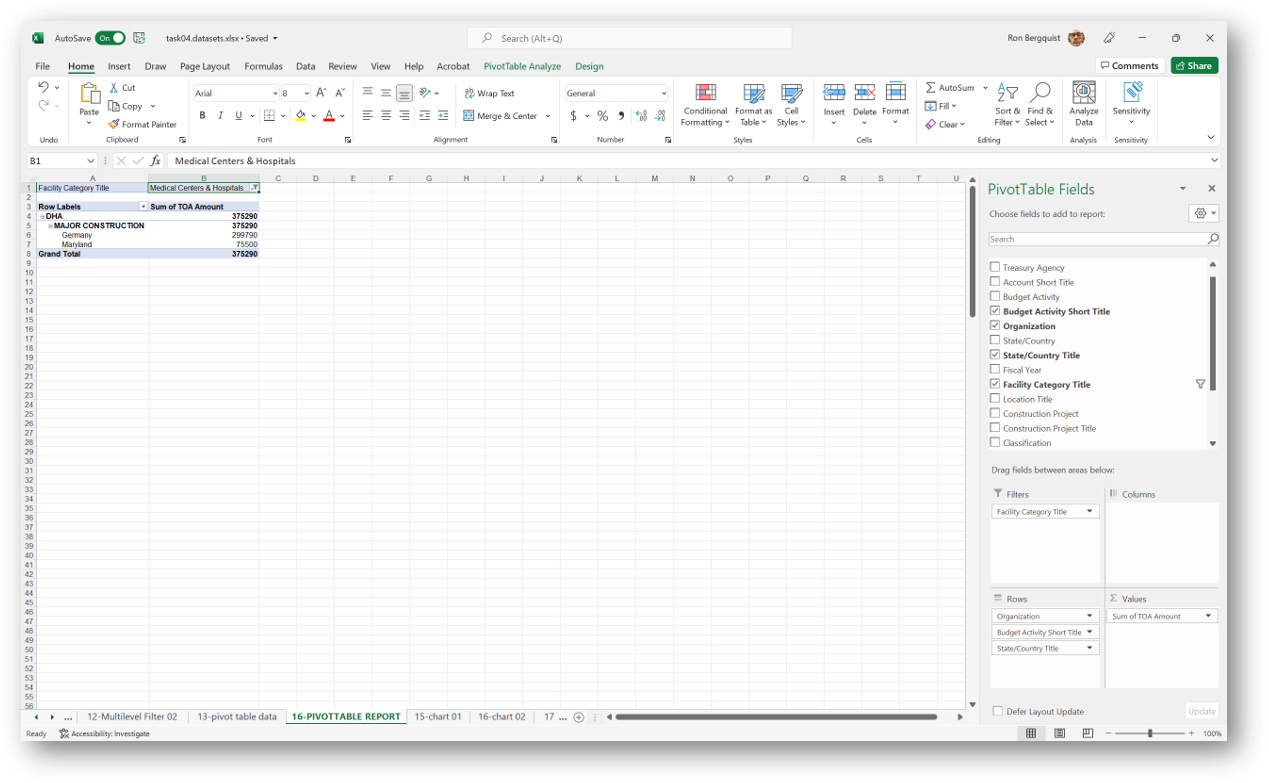
- Drag Facility Category Title field into the Filters Area. Notice that you now have a filter added to the top of your Pivot Table Titled Facility Category Title.
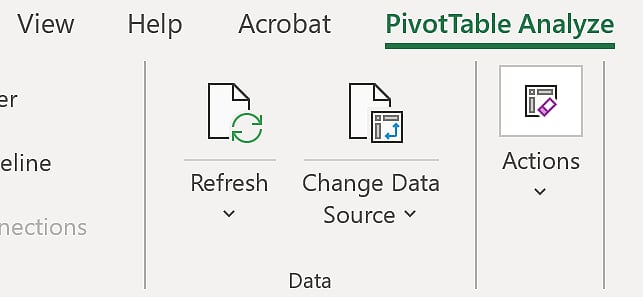
- At this point, you may well notice some incorrect or poorly formatted data elements in the data you are analyzing. If you were cleaning this data, you would need to go back to the data and correct this. But correcting it will not cause the pivot table to react to your changes. It is important to understand that your pivot table will not dynamically update this correction. Any time you must change source data, you will need to refresh your PivotTable, just like you would refresh a web page to see a correction.
- To finish this task, scroll down to the last field in the data and choose Medical Centers & Hospitals. Your Pivot Table will now give you a report of all of the records that have Medical Centers & Hospitals in the Facility Category Title field.