Tools for Information Literacy ⑯ Professional presentations
Plan to narrate and deliver your presentation
Narrate your slides and add timing to make them run in a stand alone mode
You can create a stand-alone presentation that will incorporate
all the animations, sounds, and narrations you include in it
and can run automatically, even if you are not present.
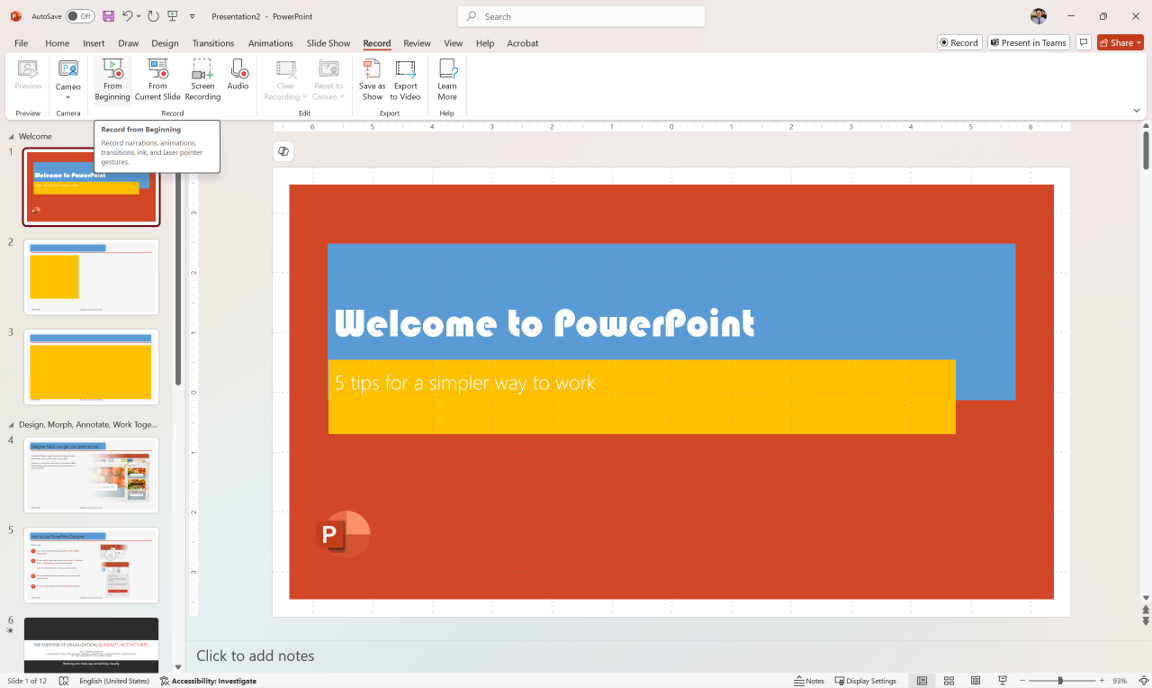
This will permit you to set up a PowerPoint self-running presentation to show if you are unable to do the presentation in person
You will not be able to show your hidden slides, but you can have all your slides show for as long as you want them to show, and you can control the timing of animations as you do the narration
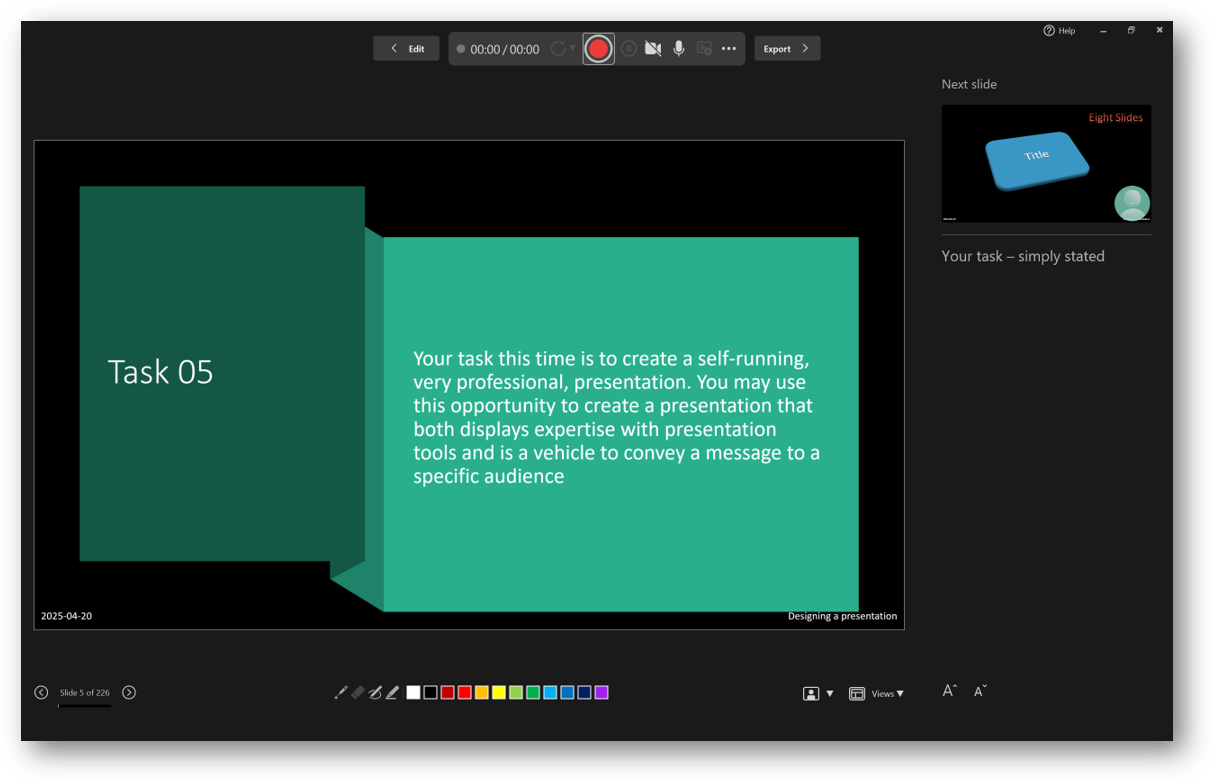
In some situations,
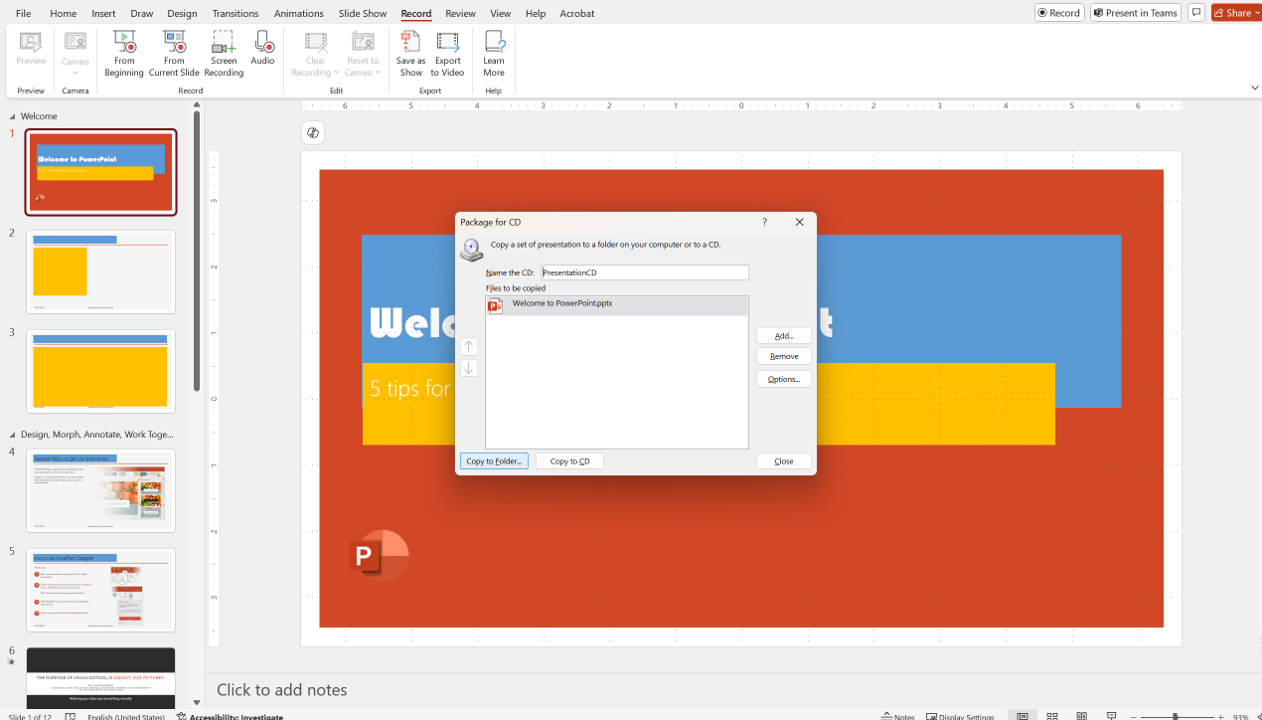
you may wish to package all your linked files into a single folder for stand alone presentation
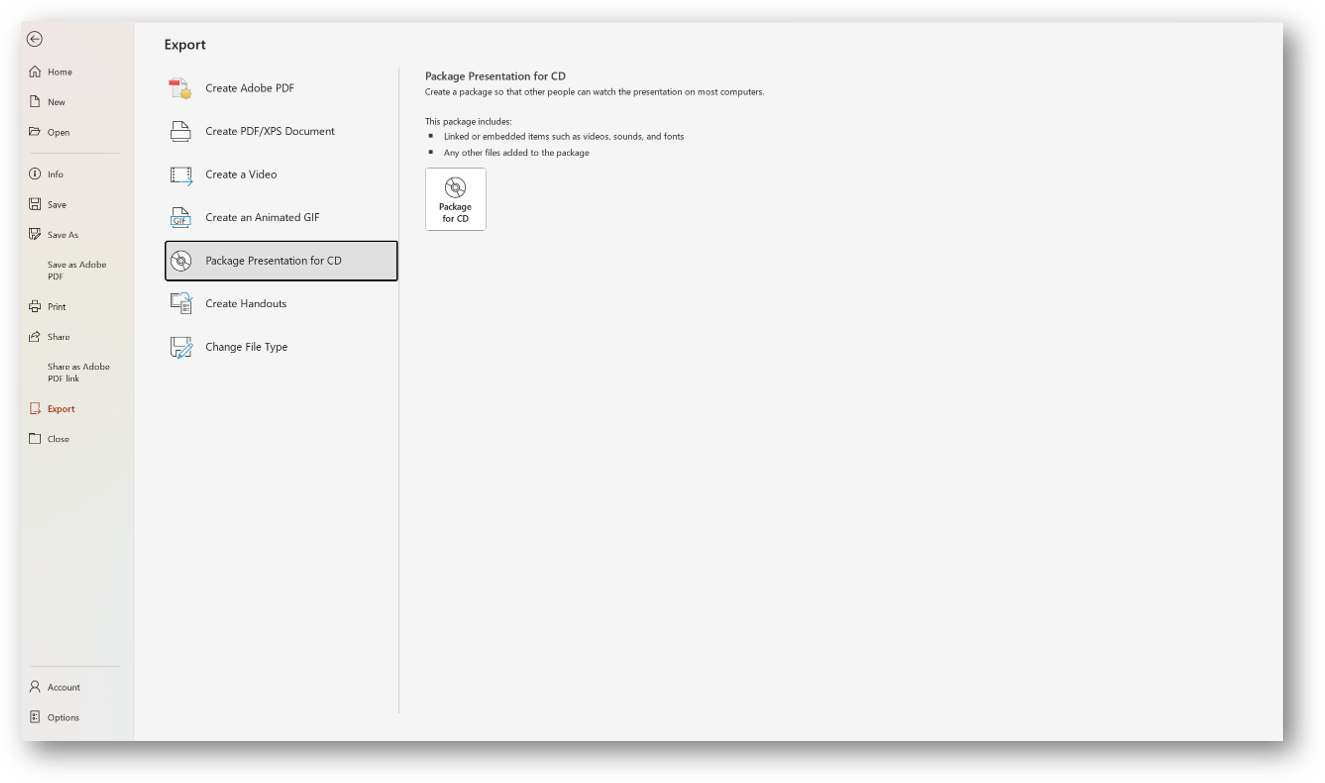
Though the tool suggests you create a CD, you can pull all the elements of a presentation into a specific file instead.