Tools for Information Literacy ⑪ Data control
Use formulas that pull data from a second worksheet to create new data
| Why we do this | What we are to do |
|---|---|
|
to demonstrate facility with formulas,
by pulling vectored data from two different worksheets into a new formula |
Copy cells A5 through A56 from the 16-CHART 02 worksheet.
Paste these cells into cells B10 through B61 on the 05-Summary worksheet. Then, in cell E10, insert a formula that will draw values from two other worksheets. The formula should divide Alabama's "Y1991" values from the 17-MEDICAID EXPENDITURES worksheet (cell G2) by Alabama's "Y1991" from the 18-MEDICAID AGGREGATE worksheet (cell G10). |
![[MSExcel 2007+ sources for formula dialog box]](images/task04/spreadsheets.formula-sources.png)
| to demonstrate cell formatting skills based on the type of data the cells contain |
Once you have created the formula, format the cell to display percentages to two decimal places.
![[MSExcel 2007+ cell formatting dialog box]](images/task04/spreadsheets.format-percentages.png)
|
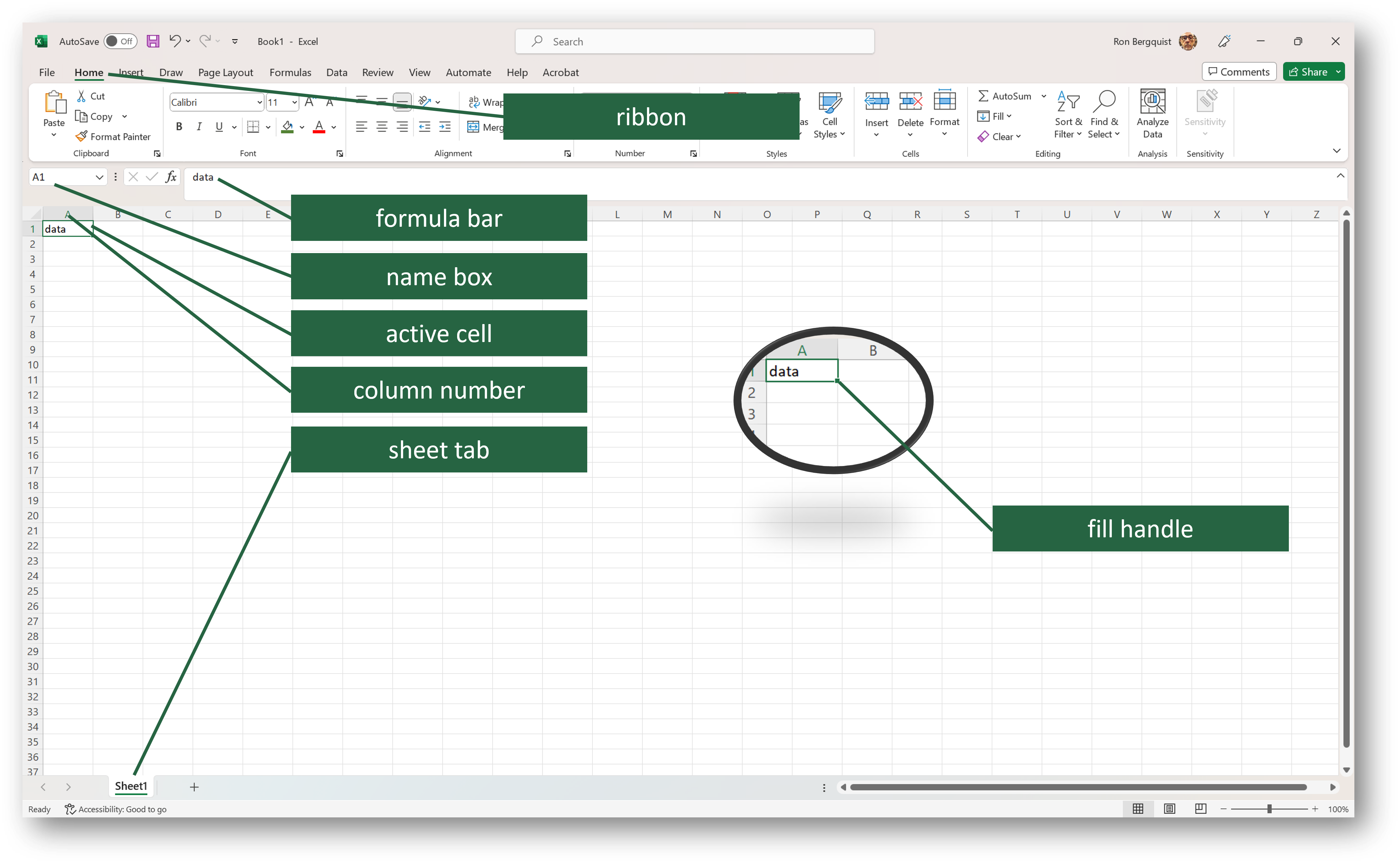
| to demonstrate understanding of how and why to drag formatting information from one cell to another | Once you have formatted the data in the cell, use the fill handle to drag the cell down the column, to apply the same relative formula and formatting for all states and Puerto Rico |