|
1
|
|
|
2
|
- Goals
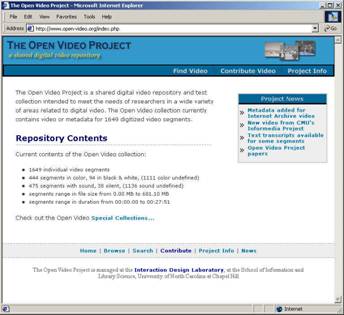
- Create an open source DL for use
by researchers, students, and the public.
- A testbed for interactive interfaces
- An environment for building theory of human information interaction
- Ongoing work: begun 1995 with colleagues at UMD
- Current funding: NSF# IIS-0099538, NCNI
- Collaborators/Contributors: I2-DSI, ibiblio, CMU, UMD, NIST, Internet
Archive, NASA
- www.open-video.org
|
|
3
|
|
|
4
|
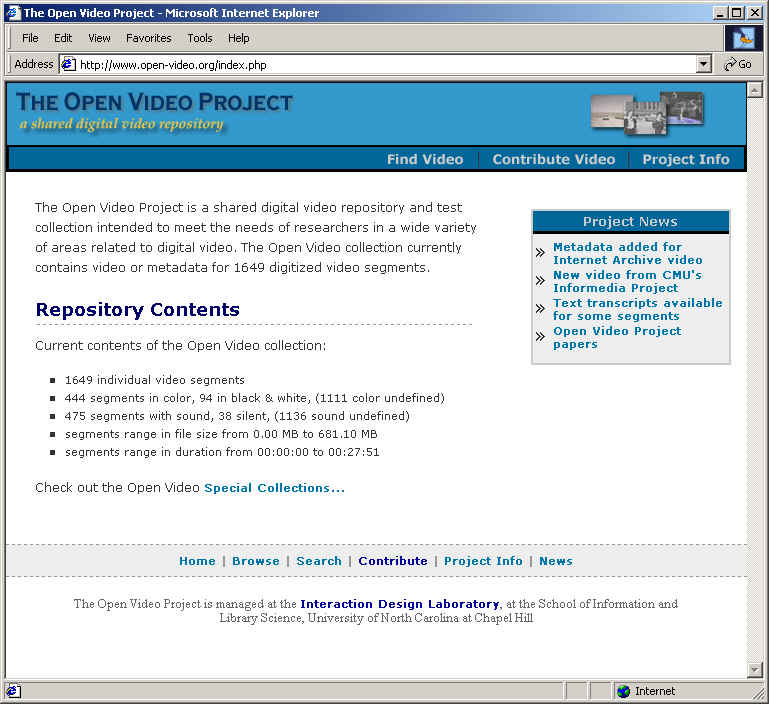
- ~ 0.5 TB of content
- ~2000 video segments
- ~1200 different titles
- ~1800 unique visitors per month
- I2-DSI video channel
- OAI provider
- Ongoing user studies
|
|
5
|
|
|
6
|
- Workstations, servers, disk arrays
- Tape players (VHS, Beta SP), digitization boards (e.g., Broadway), and
software for AVI/MOV to MPEG-1, MPEG-2, and QuickTime
- Bandwidth (UNC-CH switched ethernet)
- Linux OS, PHP scripting language, MySQL DBMS, Apache server
|
|
7
|
- Merit (UMCP UMIACS), ported to Linux to extract candidate keyframes
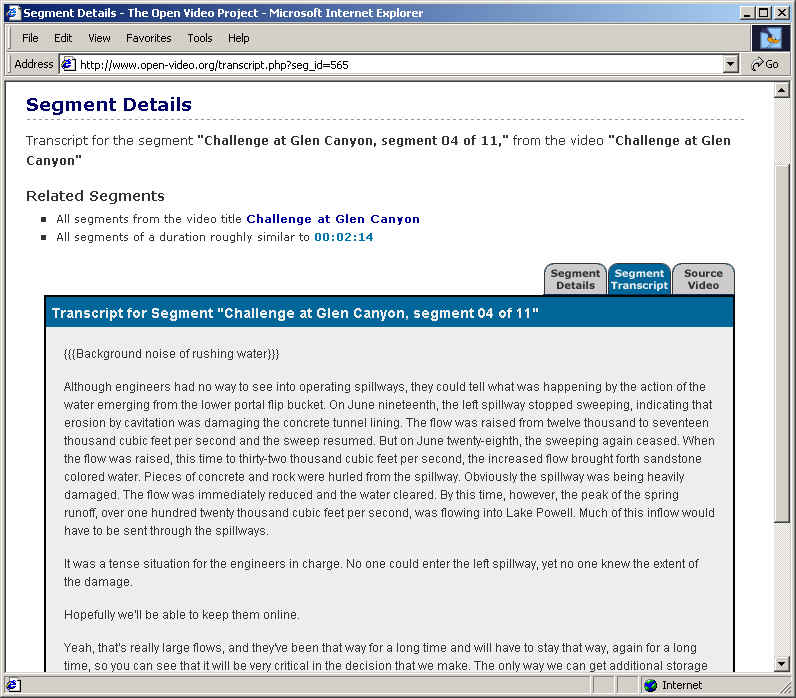
- Speech to text (e.g., Sphinx at CMU)
- VAST keyframe/posterframe extraction, selection, and management
- Transaction logs and scripts (for evaluation and for recommenders)
- Peer to peer exchange
- ISEE (shared remote video use, e.g., DE)
- Indexer workstation
|
|
8
|
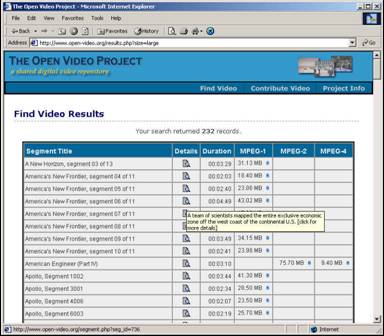
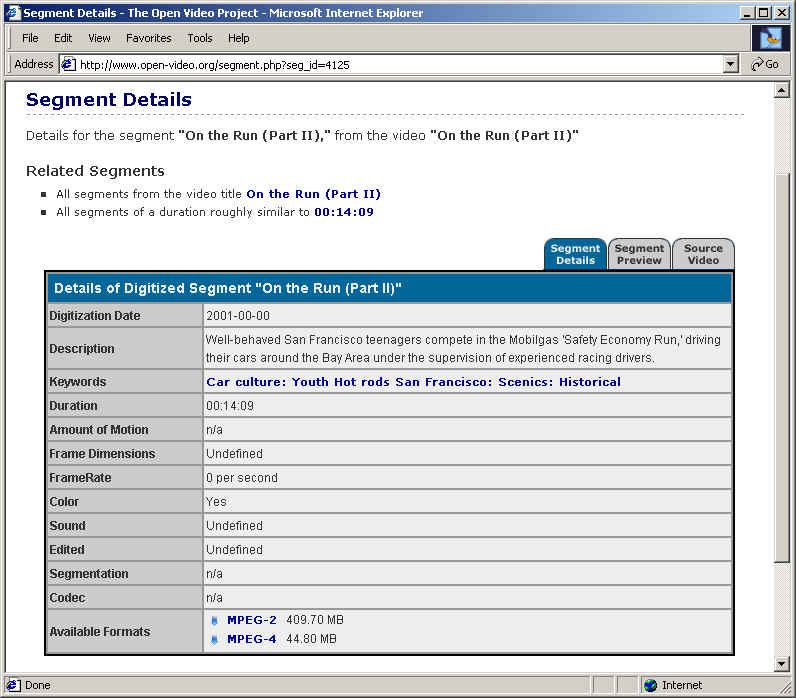
- Database driven web pages for user interaction
- Usability workstation (multiple camera, mixer, VCR)
- eye tracking system
- Speech synthesis (for audio keywords)
- Java and Perl scripts for managing, moving files, managing server
(security, upgrades, etc.)
|
|
9
|
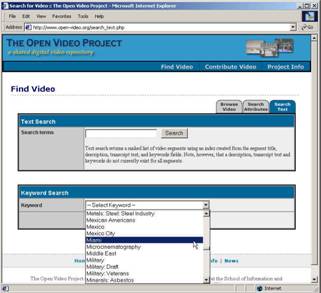
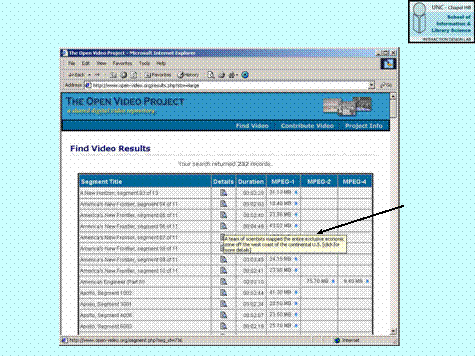
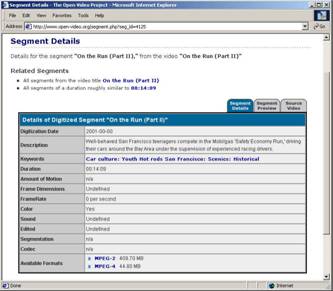
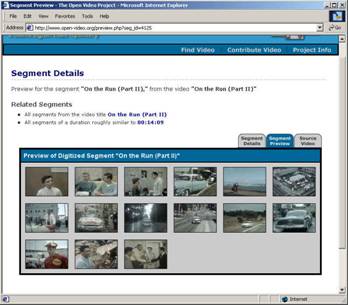
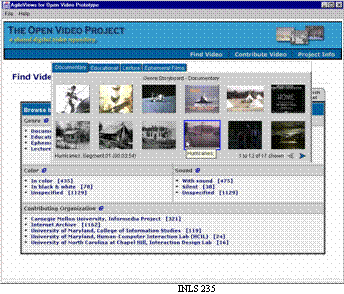
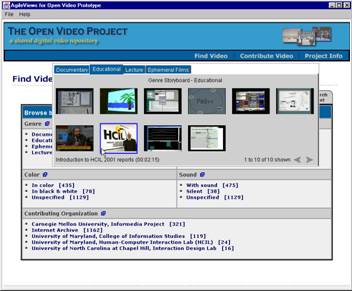
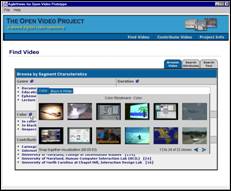
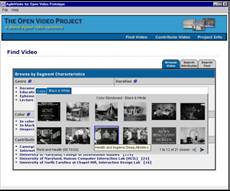
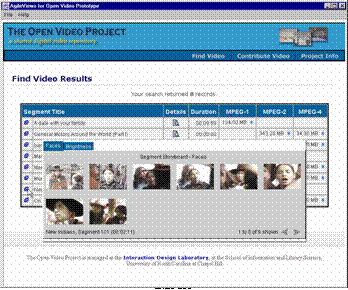
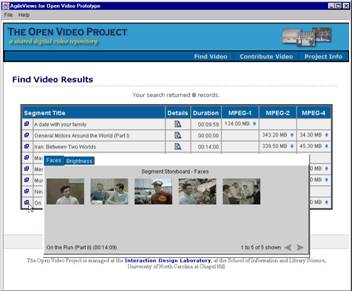
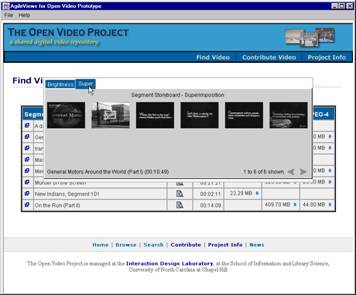
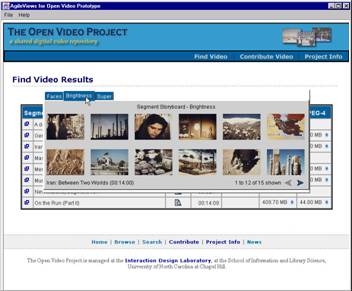
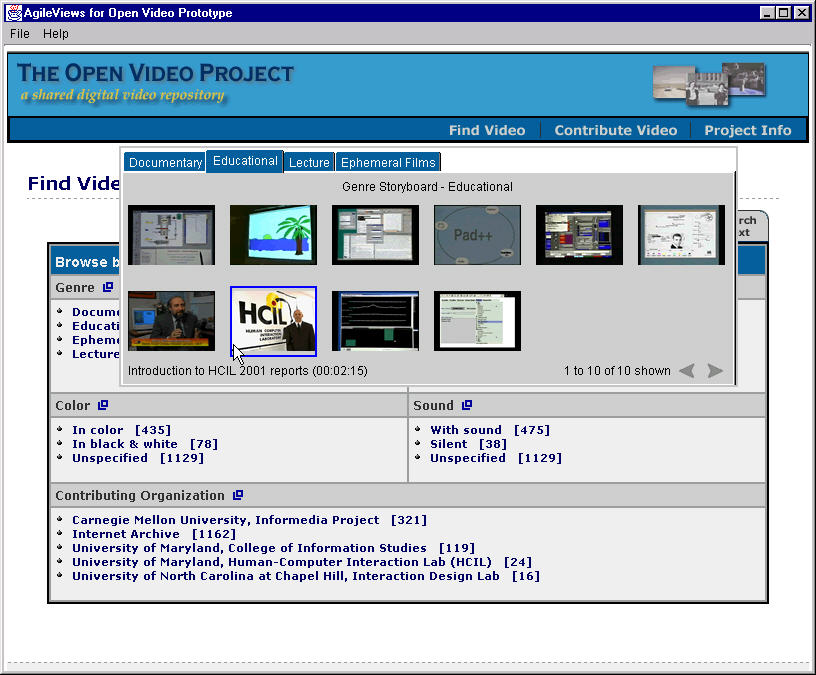
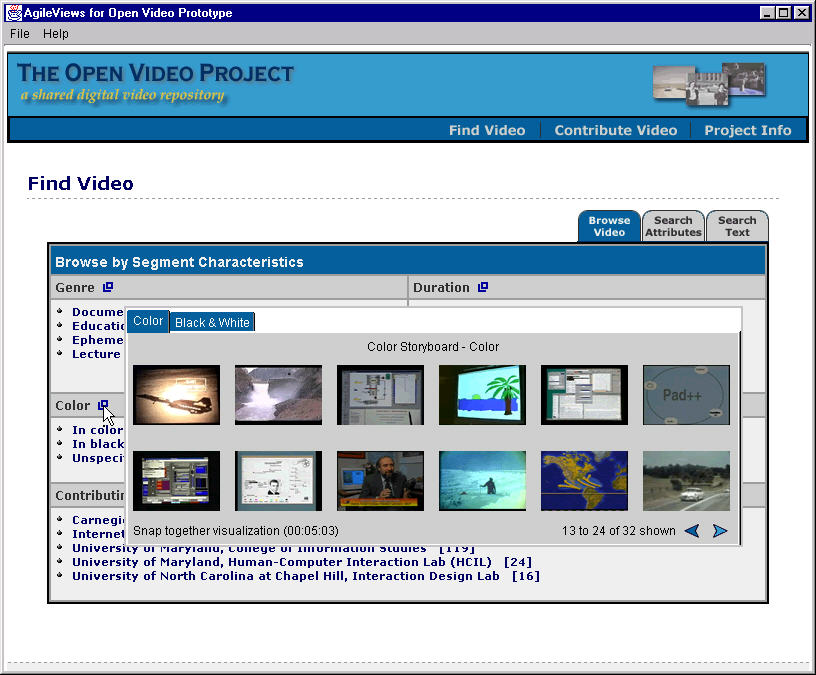
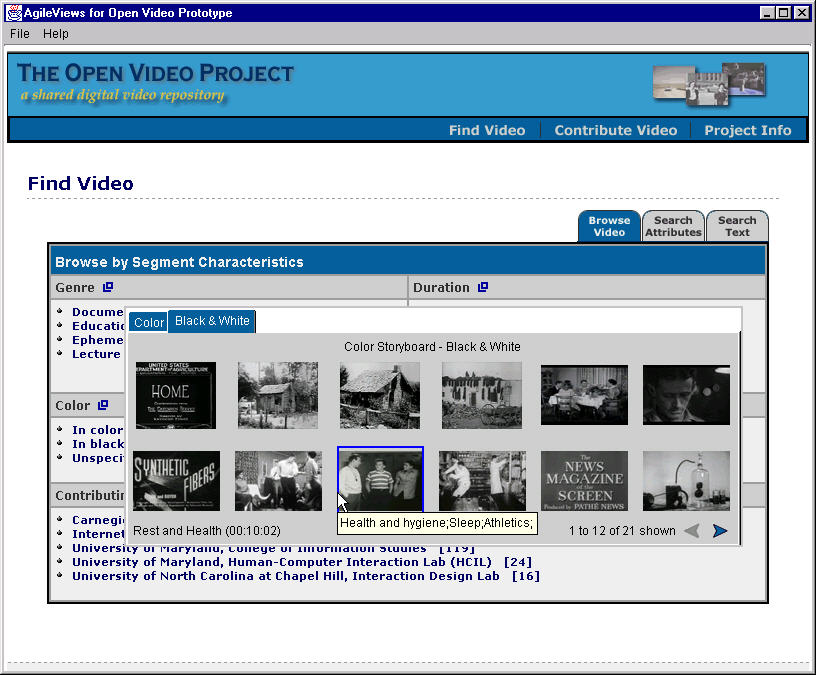
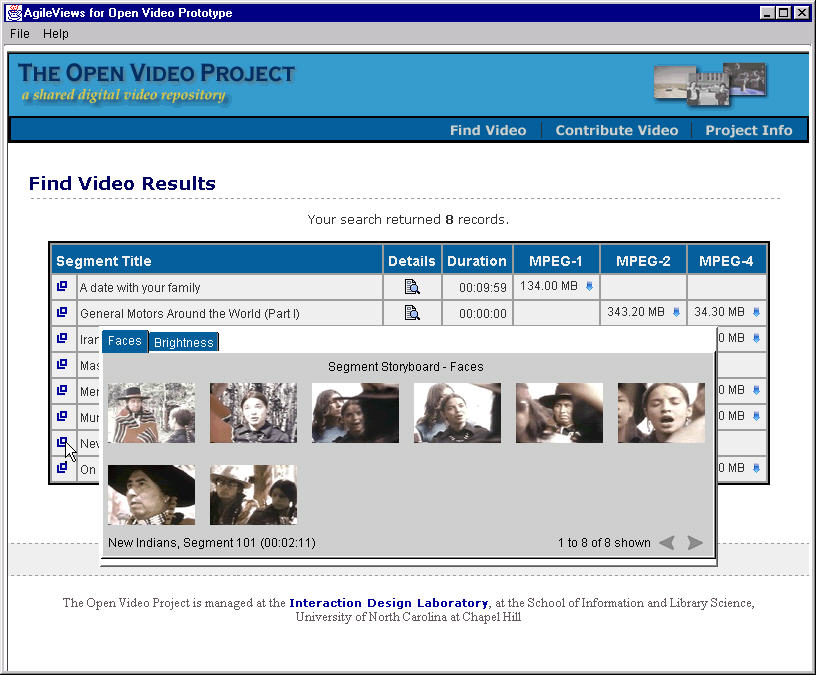
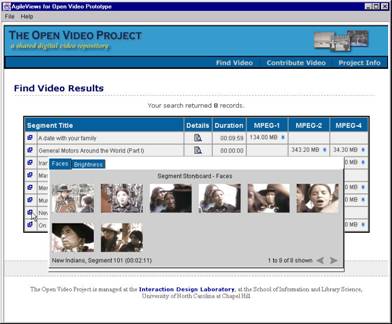
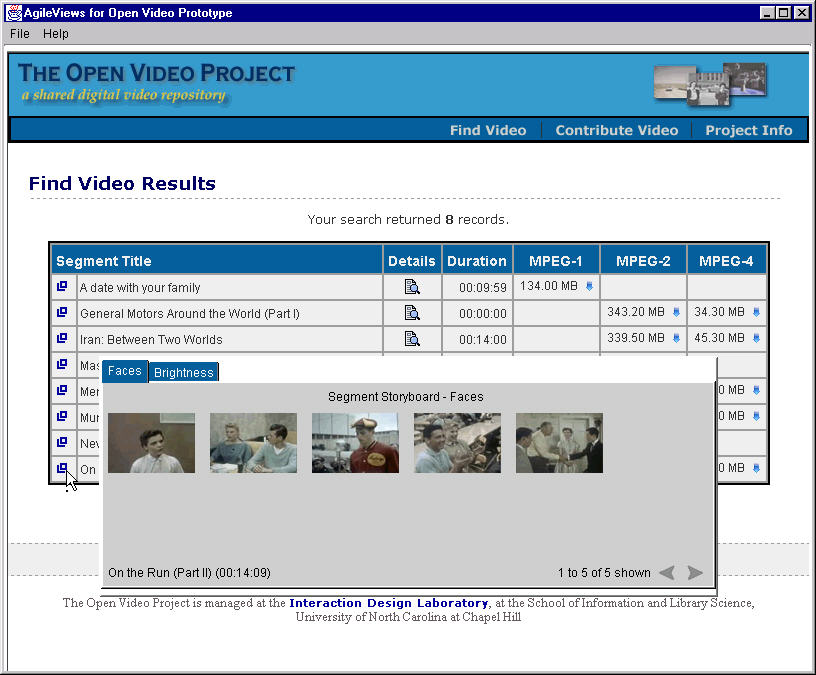
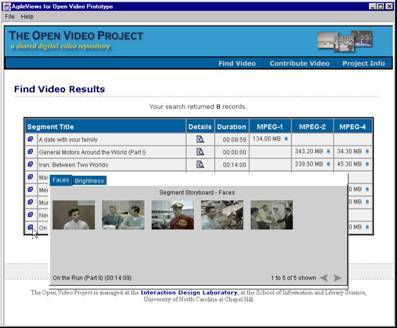
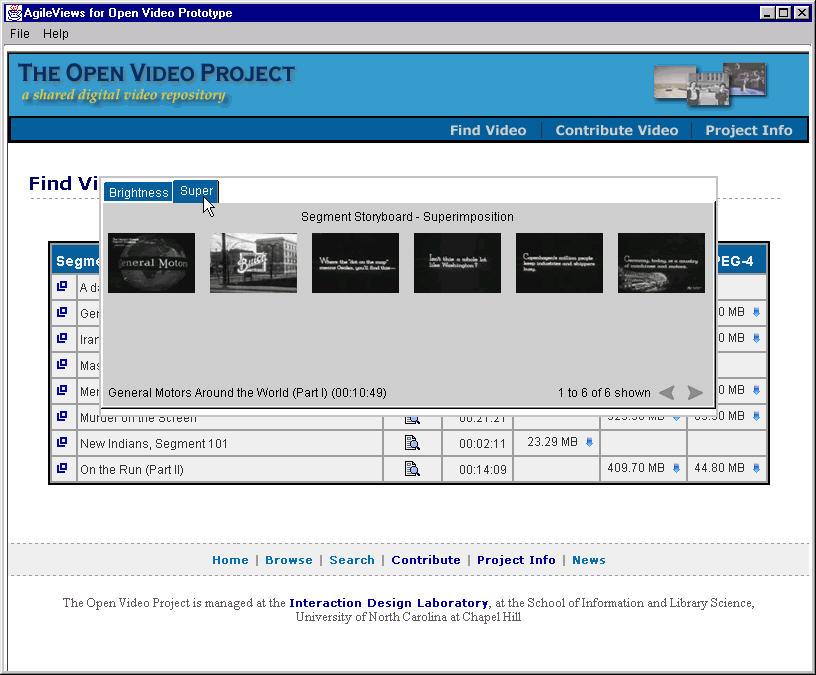
- Provide a variety of access representations (e.g., indexes) and control
mechanisms
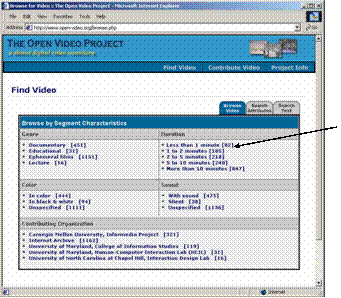
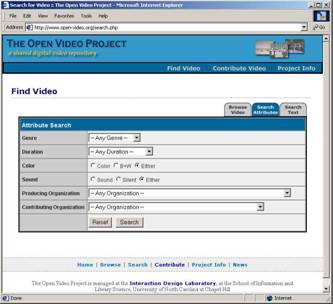
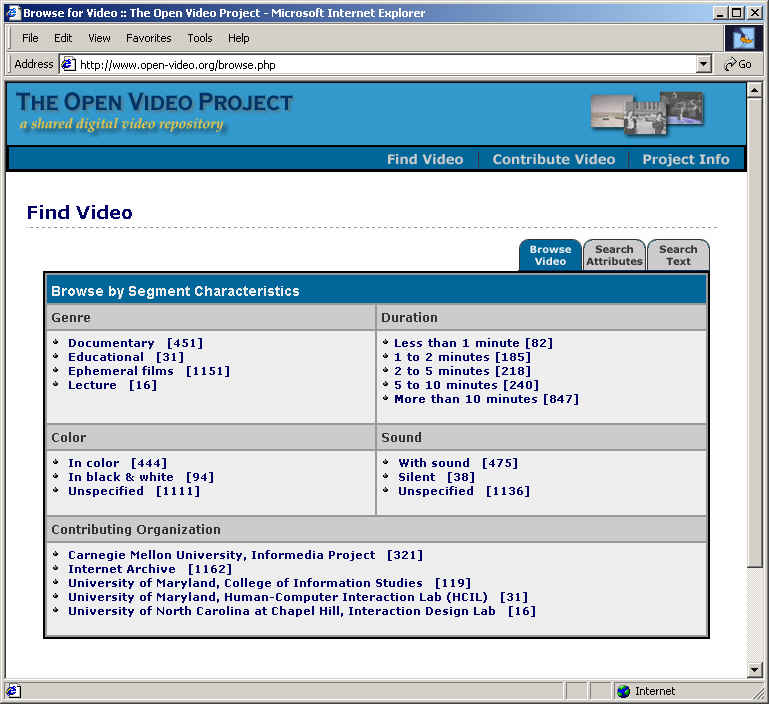
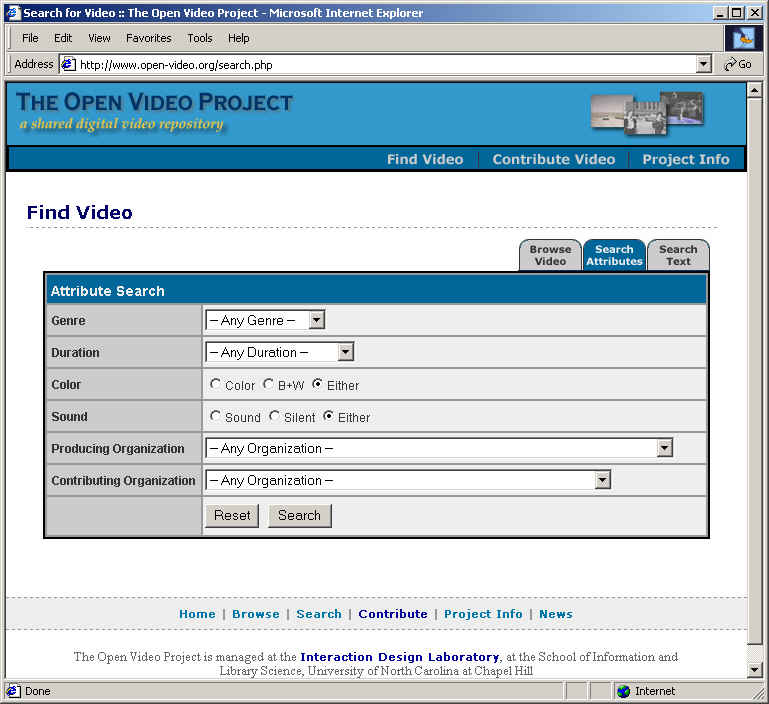
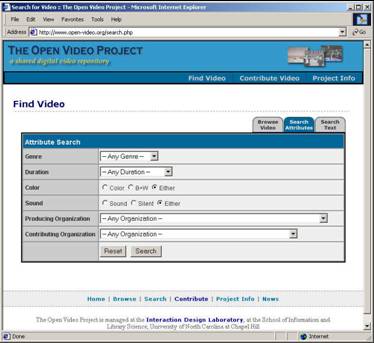
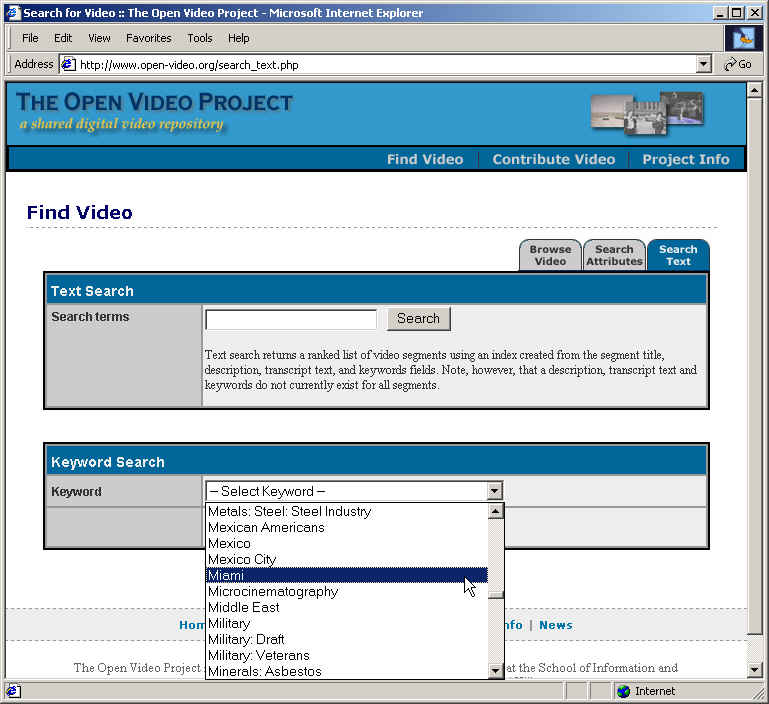
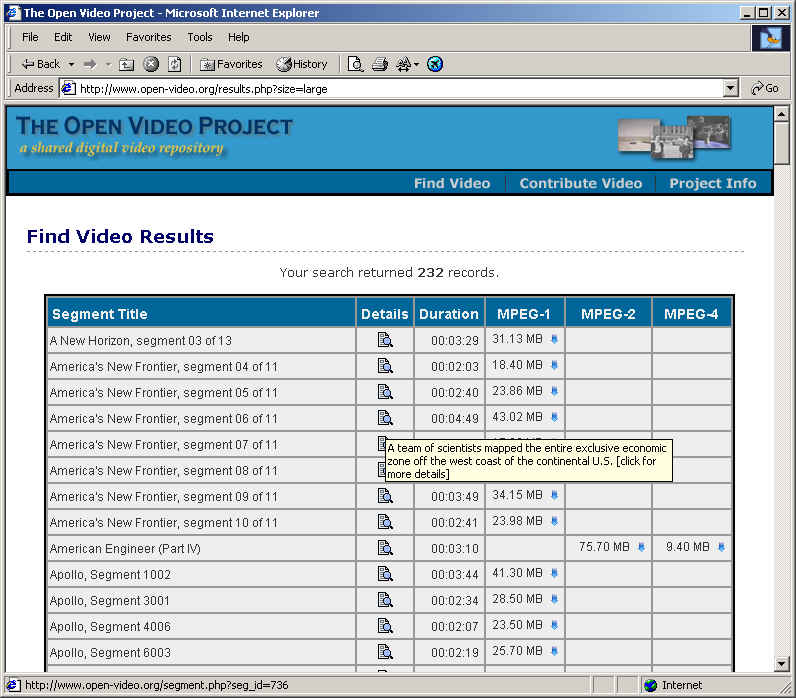
- Usual search and browse capabilities
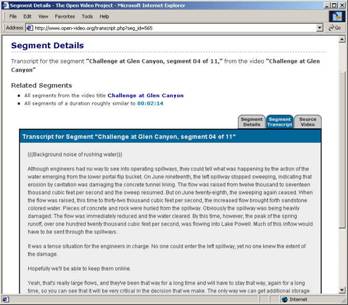
- Leverage both visual and linguistic cues
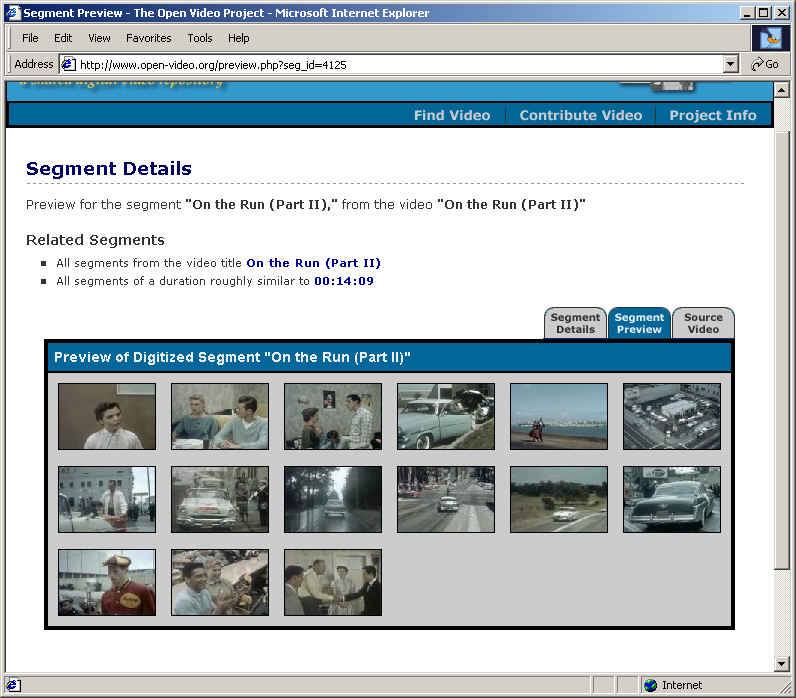
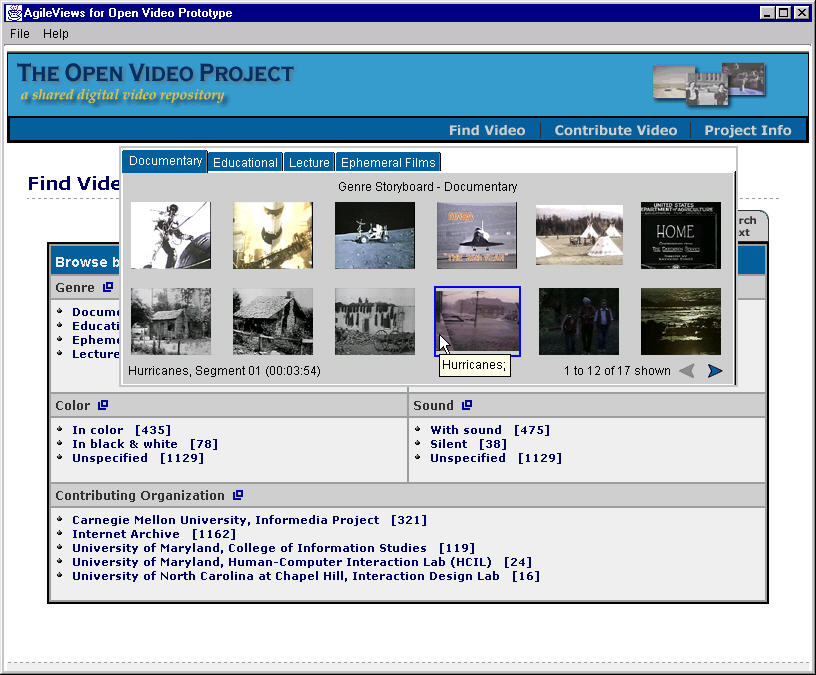
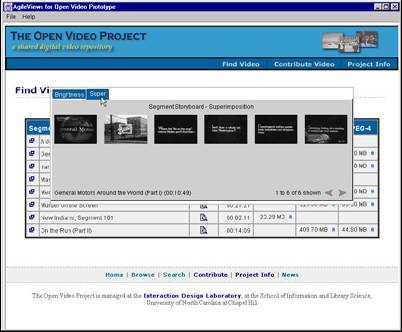
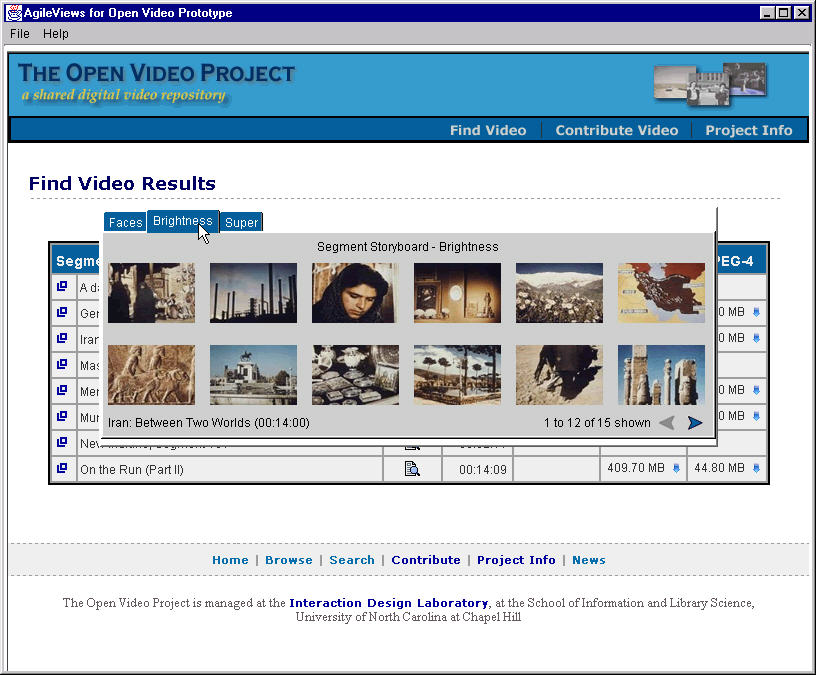
- Create and test surrogates for overview and preview
|
|
10
|
|
|
11
|
|
|
12
|
|
|
13
|
|
|
14
|
|
|
15
|
|
|
16
|
|
|
17
|
|
|
18
|
|
|
19
|
|
|
20
|
|
|
21
|
|
|
22
|
|
|
23
|
|
|
24
|
|
|
25
|
|
|
26
|
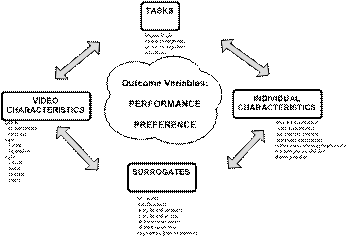
- What are the strengths and weaknesses of different surrogates from the
users’ perspective?
- Are any of the surrogates better than the others in supporting user
performance?
|
|
27
|
- Storyboard with text keywords (20-36 per board@ 500 ms)
- Storyboard with audio keywords
- Slide show with text keywords (250ms repeated once)
- Slide show with audio keywords
- Fast forward (~ 4X)
|
|
28
|
- 7 video segments (2-10 min), 5 surrogates created for each
- 10 subjects with high video and computer experience
- Three phases (all multi-camera videotaped)
- View full video then use 3 surrogates, repeat
- Participant observation and debriefing
- Do NOT view full video, use 3 surrogates, repeat
- Participant observation and debriefing
- Complete 3 assigned tasks with surrogates of choice
- Think aloud and debriefing
- http://www.open-video.org/experiments/chi-2002/methods/study1.mov
|
|
29
|
- Gist determination—free text
- Gist determination—multiple choice
- Object recognition—textual
- Object recognition—graphical
- Action recognition (2-3 second clips)
- Visual gist (predict which frames belong)
- http://www.open-video.org/experiments/chi-2002/surrogates/index.html
|
|
30
|
- In debriefing after each phase, subjects asked about preferences.
- Some preferences changed over the phases
- 2 subjects preferred ff
- 4 subjects said ff if audio keywords added
- 1 storyboard with audio keywords
- 2 slide show with audio keywords
- à drop ss with
text keywords, develop ff
|
|
31
|
- No SRD on gist (both free text and multiple choice)
- SRD on action recognition favoring ff
- ‘Near’ SRD on text object recognition favoring SB/w audio keywords
- 4:1 to 29:1 compaction rates suitable for tasks
- Psychometric and face validity support for the tasks (means and
variances; relevant to real tasks)
- SRD in gist and visual gist for one video
- àHomogeneity
of frames diminishes surrogate value
- àKeywords help
when visual variability decreases
|
|
32
|
- Subjects suggested different surrogates for different tasks (e.g., ff
for judging kid safe, sb for identifying images, ff for video styles)
- Three senses of gist
- Topic (T)
- Narrativity (N)
- T+N+visual style
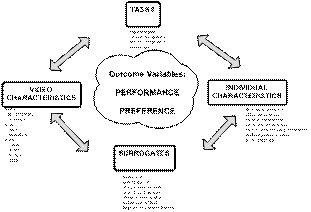
- Individual preferences and experiences influence surrogate effectiveness
|
|
33
|
- How fast can we make fast forwards?
- 4 ff conditions (32X, 64X, 128X, 256X)
- Four video segments for each condition
- 45 subjects
- 6 tasks (full text gist, multiple choice gist, word object recognition,
graphical object recognition, action recognition, visual gist)
|
|
34
|
- SRD on 4 of 6 tasks as speed increases, however, reasonable performance
at even the highest rate
- Video content/genre interacts with performance
- Preference does not parallel performance (people can perform well under
extreme conditions but do not like/enjoy)
- àGive users
control but select appropriate defaults
|
|
35
|
- Poster frame and keyword placement effects using eye-tracking
- Integrate surrogates into production system
- User studies with overall system
- New tools
- Shared video study environment (ISEE)
- Peer to peer sharing
- Indexer’s toolkit
- Audio??
- Continue to build and sustain Open Video
|
|
36
|
- Give people many ‘views’ to look ahead
- Make these views easy to manipulate (agile)
- Challenges
- Mapping video characteristics to surrogates (e.g., keyframes,
keywords), mapping surrogates to control mechanisms (e.g., mouse
actions)
- Automating production processes
|

 Notes
Notes